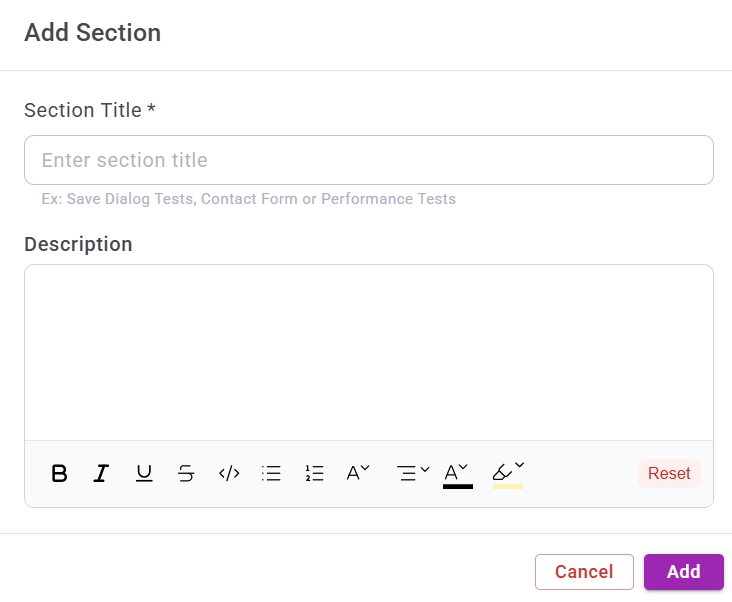
Add Section
The Add Section feature is used to organize test cases within a project into meaningful groups or modules.
It does not affect test execution logic and is intended purely for structure, clarity, and easier navigation.
1. Accessing the Add Section Window
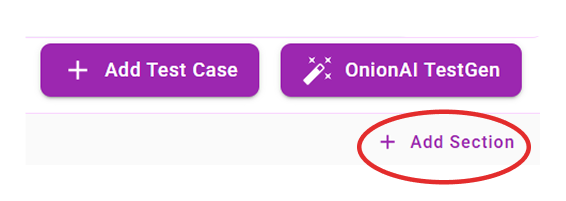
You can access the Add Section window by clicking the Add Section button located at the top-right corner of the page.
2. Creating a Section
To create a new section:
- Enter a Section Title.
- Add a Description (optional).
- Click Add.